Why macOS scrambles your windows
When a display disconnects, its windows need somewhere to go, so macOS crams them onto whatever screens remain. When you reconnect, macOS makes a best-effort attempt to put things back — an attempt that sleep/wake cycles, monitor power-saving that reads as an unplug, and apps that manage their own windows routinely defeat.
The root cause is simpler than the symptoms: macOS has no per-setup memory of your layout. There's no built-in way to say "on the desk setup these windows live here; on the laptop alone, there."
What helps at the macOS level
- Wake the Mac fully before unplugging. Mid-sleep disconnects produce the worst scrambles.
- Check the display arrangement after reconnecting (System Settings → Displays). If the virtual arrangement flipped, every window lands wrong even when macOS restores it. The full setup — arrangement, primary display, separate Spaces — is in multi-monitor window management.
- Tame monitor power-saving. Some monitors' deep-sleep modes read as a disconnect to macOS, scrambling windows without a cable ever moving — turning those modes off in the monitor's own menu stops the phantom rearranges.
- Lean on apps that restore themselves. Some terminals and editors reopen their own window sets per profile or workspace.
These reduce how often it happens. None of them give macOS the memory it's missing.
When windows move after sleep — no cable involved
The same scramble happens without anything being unplugged: the Mac sleeps, and windows wake up piled on the wrong screen. The mechanism is the one above — many monitors' deep-sleep modes read as a disconnect to macOS, so waking counts as a display change even though no cable moved.
The mitigations are the same too: wake fully before touching anything, tame the monitor's power-saving, check the arrangement after wake. And the durable fix below covers this case by construction — a restore that fires on display changes fires on wake-from-sleep as well, because to macOS they're the same event.
The durable fix: a Mac that remembers window positions per setup
The real fix is a tool that remembers your layout for each display configuration and re-applies it when displays change. Moom can do a manual version of this — it replays a layout snapshot you save by hand, which works if your arrangement rarely changes. The wider field — Stay, Display Maid, and the rest — is compared in save & restore window layouts on Mac.
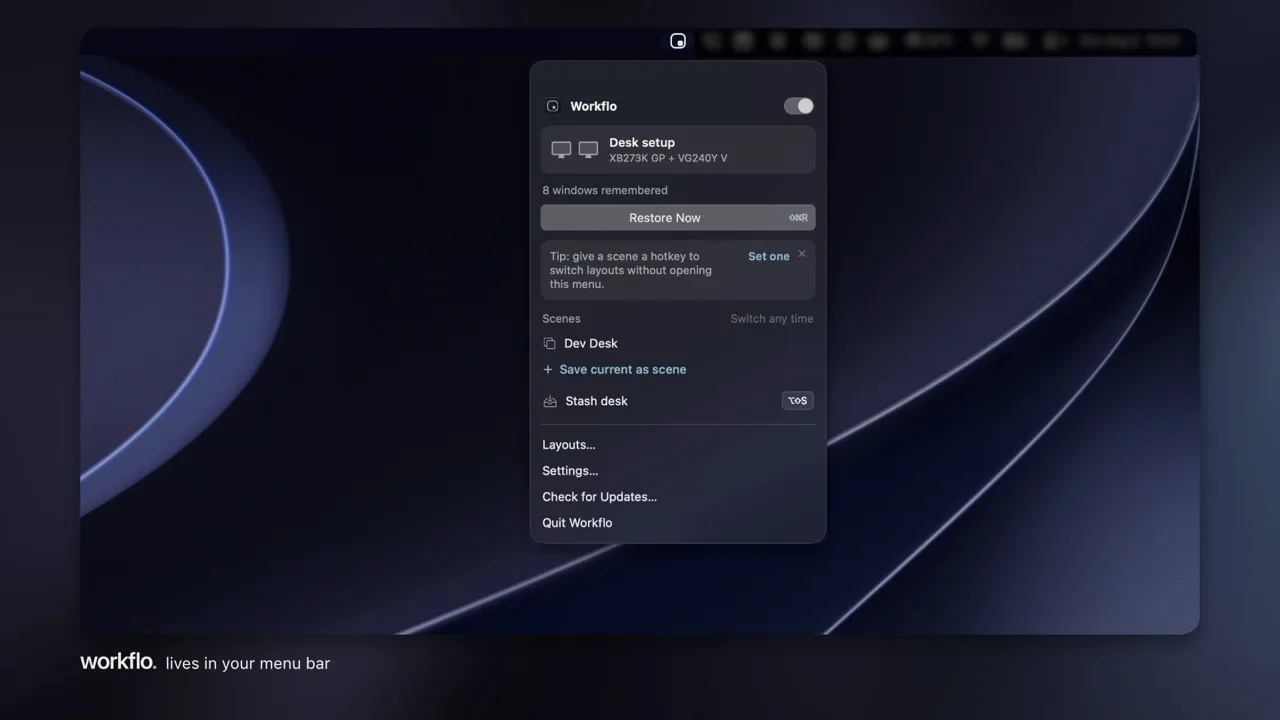
Workflo does it without the saving: it learns your layout for every display setup on its own (it calls them Desks) and keeps learning as your arrangement evolves. Unplug to leave, dock back at the desk, plug into a projector — everything snaps back where it belongs, and there's no snapshot to go stale. The same engine stages your windows before meetings from the calendar. That's its whole approach: the workspace becomes something the Mac maintains itself.